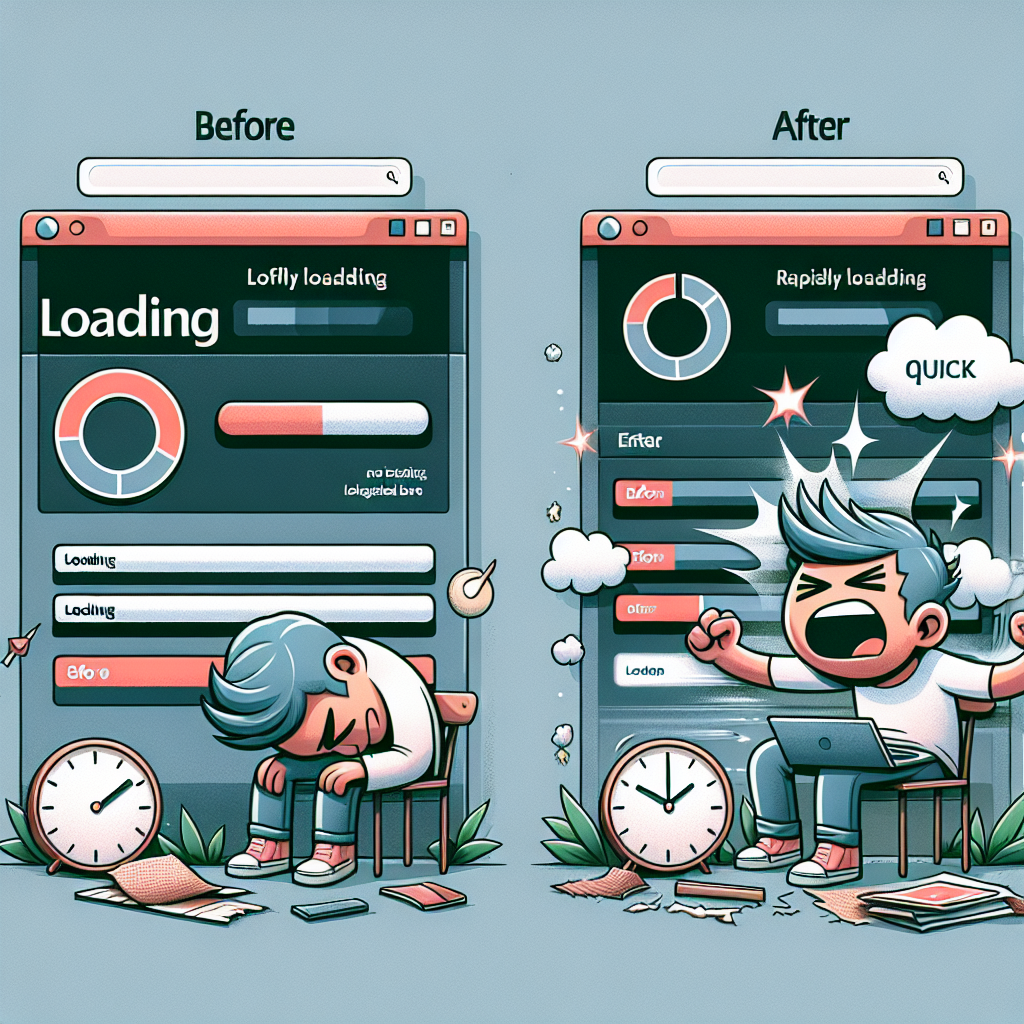
In today’s digital age, website speed plays a critical role in user experience, SEO rankings, and overall website performance. Slow-loading websites not only frustrate visitors but also impact conversion rates and bounce rates. In this comprehensive guide, we will delve into the world of WordPress site speed optimization and provide you with actionable tips to boost your website’s performance.
**Why Does Site Speed Matter?**
Site speed is a crucial factor that affects user experience and SEO. Search engines like Google consider page speed when ranking websites, so a slow website may result in lower search engine rankings. Moreover, visitors are more likely to leave a website that takes too long to load, leading to higher bounce rates.
**How to Measure Your Website’s Speed**
Before diving into optimization techniques, it’s essential to know how to measure your website’s speed. Tools like Google PageSpeed Insights, GTmetrix, and Pingdom can help you analyze your site’s performance and identify areas for improvement.
**Optimization Techniques**
1. *Choose a Lightweight Theme*: Opt for a simple and lightweight WordPress theme to ensure faster loading times. Avoid themes with excessive features and complex design elements.
2. *Optimize Images*: Large image files can significantly slow down your website. Use image compression tools like Smush or WP Compress to reduce file sizes without compromising quality.
3. *Enable Caching*: Implementing caching mechanisms like browser caching and server-side caching can help reduce load times for returning visitors. Plugins like W3 Total Cache and WP Super Cache are popular choices for caching.
4. *Minify CSS and JavaScript*: Minifying CSS and JavaScript files by removing unnecessary characters and white spaces can help reduce file sizes and improve loading speed. Plugins like Autoptimize can automate this process for you.
**Case Studies and Examples**
To further illustrate the impact of site speed optimization, we provide real-life case studies and examples of websites that have successfully improved their loading times through various optimization techniques.
**Conclusion**
Optimizing your WordPress site speed is not just about improving loading times; it’s about enhancing user experience, boosting SEO rankings, and ultimately driving more traffic and conversions to your website. By following the tips and strategies outlined in this guide, you can take your website performance to the next level and ensure a seamless browsing experience for your visitors.