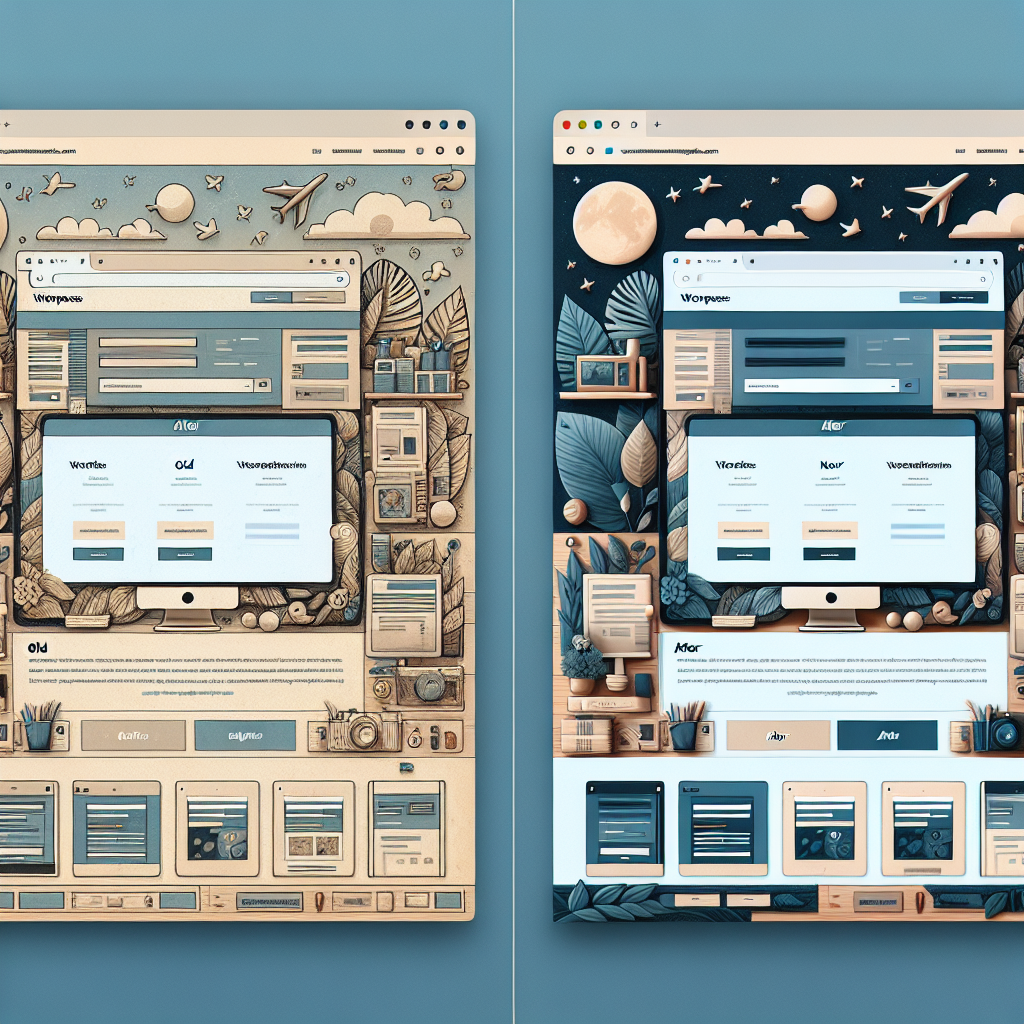
Introduction
Are you considering a WordPress website redesign to enhance your online presence and stay ahead of the competition in 2022? Redesigning your website is a critical step in ensuring that your brand remains relevant, user-friendly, and visually appealing to your target audience. In this comprehensive guide, we will walk you through the essential steps and best practices for a successful WordPress website redesign.
Why Redesign Your WordPress Website?
Before diving into the redesign process, it’s essential to understand the reasons why you should consider revamping your WordPress website. Whether your current site looks outdated, lacks mobile responsiveness, or fails to convert visitors into customers, a redesign can address these issues and provide a fresh, engaging user experience.
Steps to a Successful WordPress Website Redesign
1. Define Your Goals and Objectives
2. Conduct a Website Audit
3. Create a Redesign Strategy
4. Choose a Responsive Design
5. Optimize for SEO
6. Test and Launch Your Redesigned Site
Best Practices for WordPress Website Redesign
– Keep Your Branding Consistent
– Enhance User Experience with Intuitive Navigation
– Optimize Website Speed and Performance
– Incorporate Responsive Design Elements
– Implement SEO Best Practices
Conclusion
Redesigning your WordPress website is a strategic investment that can elevate your online presence, improve user engagement, and drive business growth. By following the steps outlined in this guide and adhering to best practices, you can ensure a successful website redesign that resonates with your target audience in 2022 and beyond.